



The standard we build to
Every page on getdisclosure.app targets WCAG 2.2 Level AA, the Web Content Accessibility Guidelines published by the W3C. That means the 55 success criteria at Levels A and AA, including the newer ones on focus that is never hidden, tap target size, dragging, and accessible sign-in.
It is how the site is built from the first template, not an audit added at the end. The design system every page shares carries the focus states, contrast values, motion rules and tap target sizes, so a new page starts compliant instead of being fixed later.
What that means on this site
Structure
Pages use real HTML: one main heading, headings in order, landmarks, lists that are lists, and buttons that are buttons. A skip link at the top of every page jumps straight to the content.
Keyboard
Everything works with a keyboard alone: the navigation and menu, the ten classification questions, saving and sharing your card, the specimen files, the drill, and every question on the FAQ. Focus is always visible, with a two-colour ring that holds up on the dark pages and on the paper documents, and it never disappears behind the fixed navigation bar.
Contrast and type
Text meets AA contrast ratios against its background, including the grey on black and the ink on the photocopied paper. Type is set in relative units, so it grows when you zoom or raise your browser’s text size.
Zoom, small screens and big ones
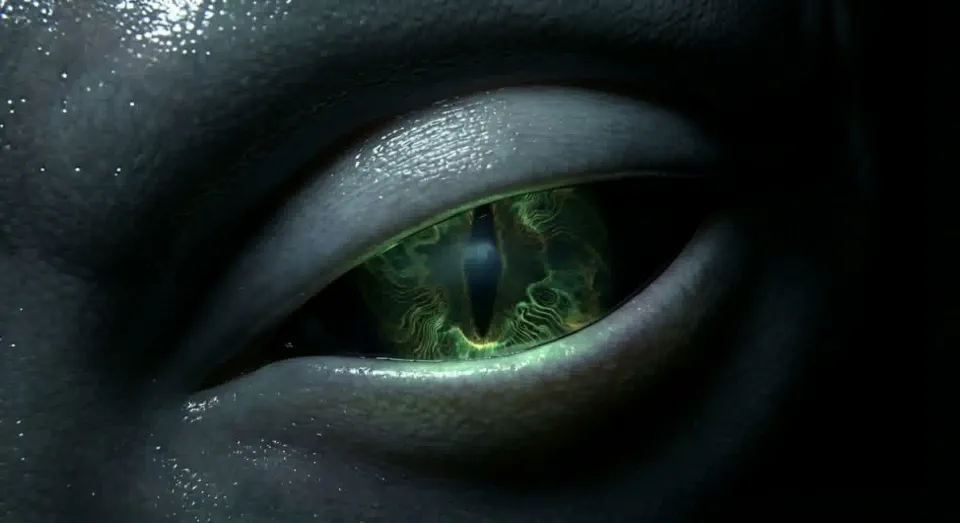
Layouts reflow to a single column down to 320 pixels wide, which is the same as 400 percent zoom on a laptop, with no sideways scrolling. On a phone held sideways the opening eye stops pinning to the screen so nothing is cut off. On very large screens the type and layout scale up with the window.
Tap targets
Buttons and links are big enough to hit with a thumb: primary buttons are at least 44 pixels tall, and smaller links are spaced so a near miss does not land on the wrong one.
Motion
If your device is set to reduce motion, the site holds still: the eye shows a single frame, the iris does not breathe, and nothing slides in. If you have not set that preference, the header on every page carries a Motion button. One press stops the eye’s blinking, the watching eyes and the breathing iris on every page, and the site remembers your choice. Nothing on the site flashes.
Sound
The ambient sound is off unless you turn it on with the Sound button, it never plays by itself, and it stops when you leave the tab.
Time limits
The classification has no time limit. The ten-second drill has a clock because that is the exercise, but you can pause it at any moment, it pauses by itself when you switch tabs, and you can tick Run it without the clock before you start to take every scene at your own pace.
The iris, the card and the redactions
The iris print and the First Contact Card image are drawn pictures, so everything they say is also written as text on the page, and screen readers hear each answer being recorded and the result when it arrives. The black redaction bars are decoration: bars that lift are covering real text that screen readers read the whole time, and bars that never lift are announced as “redacted”.
Images and high contrast modes
Meaningful images carry alt text and decorative ones are marked so assistive technology skips them. In Windows contrast themes the redaction bars give way so the words underneath stay readable.
How we test
Before a page ships it goes through automated checks with the axe rules for WCAG 2.2 AA, a site-wide check of headings, links, image text and page titles, and a tap target check at phone width. Then it is checked by hand: keyboard walks, zoom and reflow at 320 pixels, a phone held sideways, reduced motion, and a Windows contrast theme.
Automated tools catch only part of the problem, so their scores are the floor, never the goal.
Where this site stands
We hold this site to the standard above and it passes our checks today. It is a living site, so if something new falls short we want to know and we will fix it rather than argue about it. These are the limits we know about.
Screen readers
We have not yet finished a full manual screen reader pass across every page. Until we have, any screen reader report goes to the front of the queue.
Text over images
Automated tools cannot judge text that sits over a photograph, such as the opening eye, the specimen files and the intel article headers, so we check those by eye and give that text its own shaded ground. If one is hard for you to read, that is a real miss and we want to hear about it.
Other companies’ pages
Sharing your card opens X, WhatsApp, Facebook or your phone’s own share sheet, and the card arrives in your email app. We cannot fix those, but if one blocks you, tell us and we will find another way.
The app
The DISCLOSURE app has not been released yet. This statement covers this website. The app will get its own statement when it launches.
Found a barrier? Tell us
If any part of this site is hard to use with assistive technology, or hard to use at all, email team@getdisclosure.app. Tell us what happened, on which page, and what you were using. If the classification itself is the barrier, say so in the email and we will add you to the launch list ourselves.
Every report gets the same treatment: we fix it first, check the fix with the same kind of setup that hit the problem, and then write back to tell you what changed.